
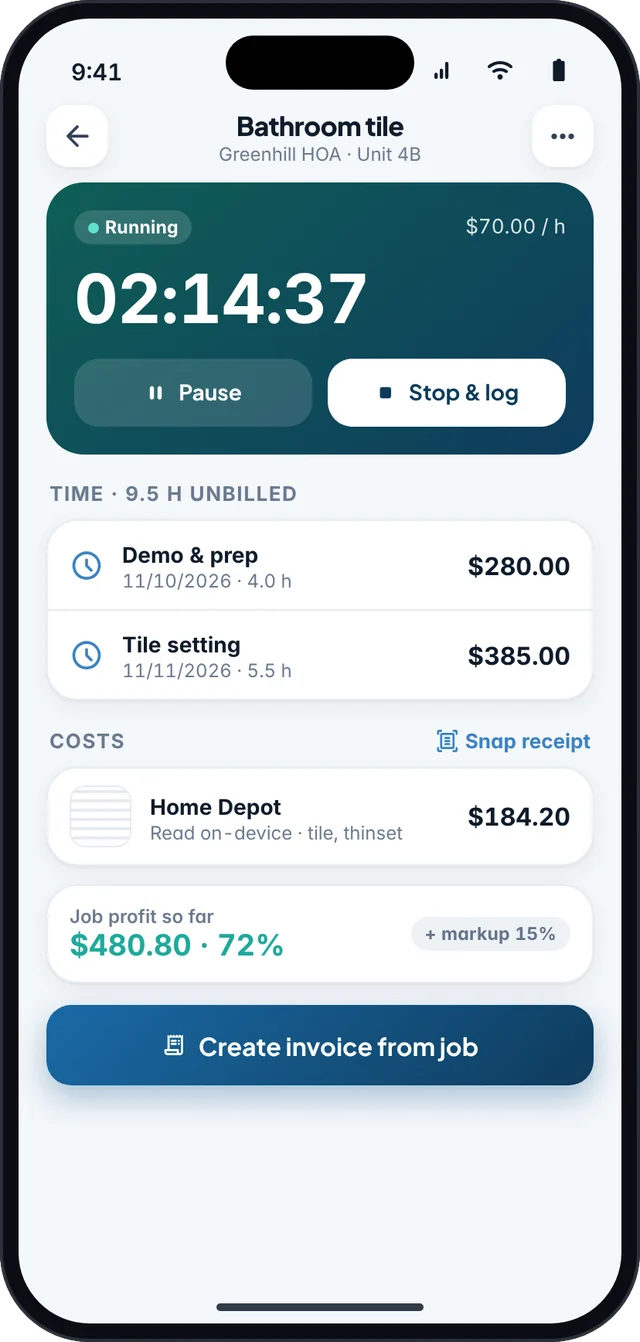
For contractors, the worst time to open a laptop and wait for a cloud app to load is standing in a customer’s driveway. An offline invoice workflow means the document is finished before you leave, even if the phone has no bars.
Before you go to the site
- Enter your business name, logo, payment terms, and default sales tax rate in the app at home, on Wi-Fi.
- Save the client and the site address, or convert the approved estimate so the line items are already there.
- Add catalog items you use often (hourly labor, common materials, trip charges) so you are tapping, not typing, in the field.
- If you collect a deposit or follow a payment schedule, set those terms in advance.
On the job, with or without signal
- Open the estimate or start the invoiceFjordbill keeps the data on your phone, so this step does not wait on a server.
- Add what you actually didQuantities, extra materials, and change-order lines should match the work, not last week’s quote if the job changed.
- Check tax and the totalConfirm taxable lines and the amount due, including any deposit already paid.
- Preview the PDF with the clientWalk through the lines on the screen. On Pro, you can capture a signature on an estimate on the device.
- Send when you have signal, not before you leave unfinishedShare the PDF from your own email or messages once you are back in coverage. The document is already done.
A short contractor checklist
| Before you leave the site | Why it matters |
|---|---|
| Invoice or estimate number is assigned | You can talk about one document later, not “that quote I texted.” |
| Line items match the work performed | Reduces payment disputes and change-order arguments. |
| Sales tax, if you collect it, is calculated | Easier than fixing a PDF after you have driven off. See the sales tax guide. |
| Amount due and payment method are visible | The client should know how to pay without asking again. |
| Photos or notes you need are on the same job | Helps if a line is questioned later; keep them with your records. |
| Mileage or trip time is noted if you deduct it | Easier to log the same day. See the mileage guide. |
Fjordbill is built for this loop: unlimited invoices on the free plan, no account, and full editing offline. Optional online payment links need a connection when you use them; the invoice itself does not.
Frequently asked questions
Does Fjordbill work without internet?
Yes. Creating invoices and estimates, adding tax, previewing PDFs, and recording payments work offline. You need a connection only to share the file or use optional online payment links.
Do I need to create an account first?
No. There is no Fjordbill account to create and no login before you can bill.
Can the client sign while I am still on site?
On Fjordbill Pro, you can capture a client signature on an estimate on your device, including offline. You can still show a PDF preview on the free plan.
What if I also need a mileage record for the drive?
Log the trip when you can, with date, miles, and business purpose. See the 2026 standard mileage rate guide and use SovereignLedger if you want a dedicated mileage log.